

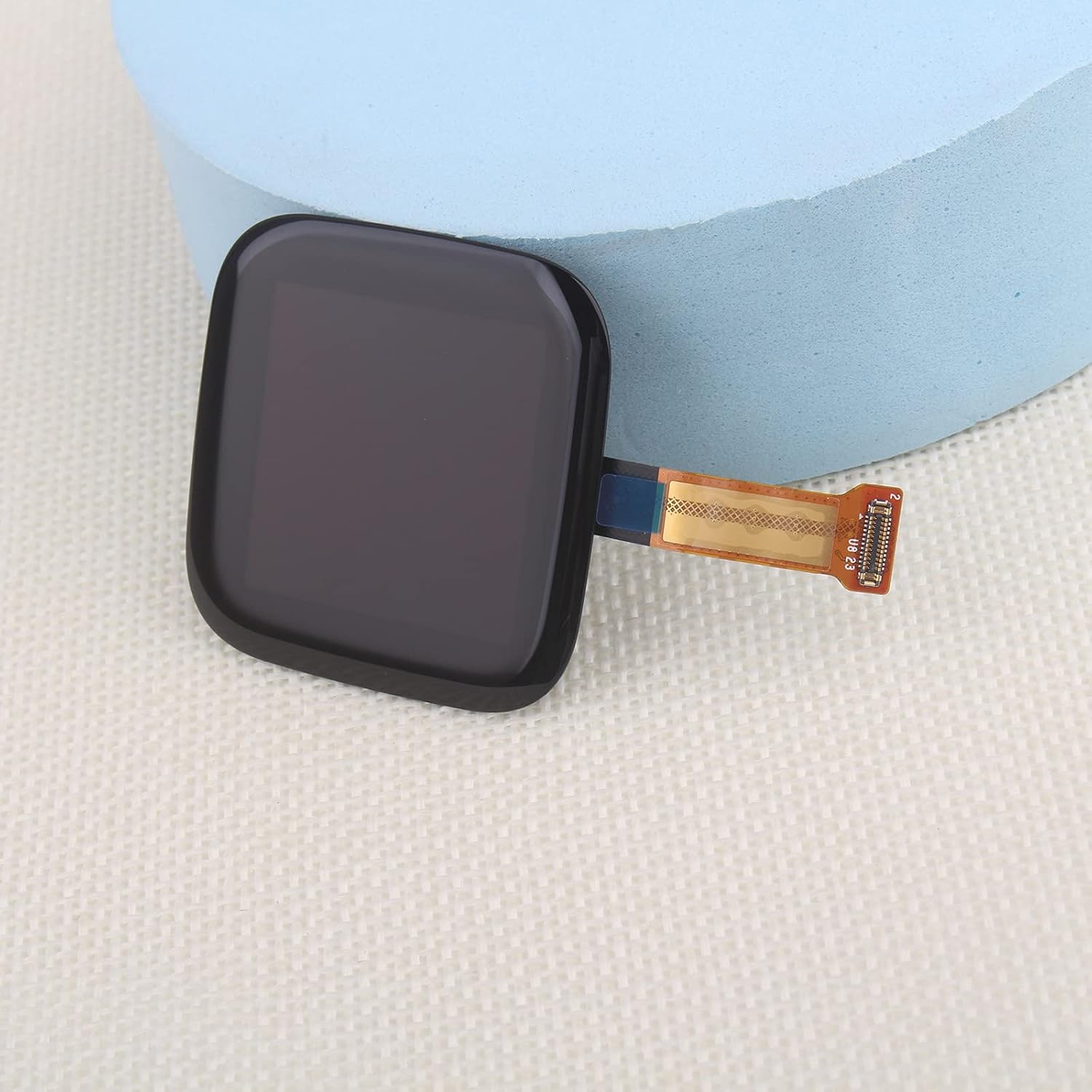
Watch Display for Fitbit Versa 2 FB507 Screen Replacement Touch Display Digitizer Assembly for Fitbit Versa 2 FB507 with Kit(Black)
Product details
| Management number | 234032469 | Release Date | 2026/06/27 | List Price | US$9.60 | Model Number | 234032469 | ||
|---|---|---|---|---|---|---|---|---|---|
| Category | |||||||||
Tips for screen replace:Before installation1. Disconnect the battery cable before installation or make sure your Watch is powered off;2. Make sure Watch has been upgraded to the latest versionDuring installation1. Please mark each screws place and put the screws you removed on the right place. Due to the different length and size of screws, if put them in wrong screw holes, they may damage the screen;2. Treat flex cables gently, use tools instead of your finger;3. Make sure the flex cable is properly connected .Don't force the connector together until they are properly lined up;After installation RebootIf you meet with some issues, please try this: Power off your Watch,disconnect all the cables including the battery cable,clean the connector on the motherboard,reconnect the cables, leave the phone alone for a while in a dry environment, a hard reset of your Watch,power on. If After installation display can’t touch well /Watch can’t unlocked/ has screen line.Please use the FPC connector to connect Main board again,make sure the connector was tight and connect on the right position.Package:1* Watch Display Replacement for Fitbit Versa 2 FB5071*Set Tools1* Screen ProtectorIf the screen does not work, please do not choose to return the item first.
- Compatibility : For Fitbit Versa 2 FB507 LCD Display LCD Display(Not with NFC cable).Please make sure your watch model before purchase.If you can't confirm, please contact us to help you to confirm.
- Application : Use for fix a faulty screen,and cure-replace cracked, broken, dead pixels, touch is not working, touch response issues, display problems,wrong color issues ,non-functional screen.etc.
- Quality Guarantee : All screen replacement for Fitbit Versa 2 have passed strictly QC double tested and 100% in good condition before shipment.To Make sure no scratch/no dead area/ no dot pixel or line in the screen.
- Professional Tools : High quality for Fitbit Versa 2 LCD Display.LCD screen replacement and repair tools. Our screens are packed in strong boxes,avoid damage during shipping.
- Installation Suggestions : Please test the Versa 2 screen replacement before installation, make sure the screen is normal to use.Not recommend Installation without any experiences.If you need help and link of installation guide video, please leave a message.
| ASIN | B09JZHLBGT |
|---|---|
| Color | Versa 2 |
| Item Weight | 2.39 ounces |
| Manufacturer | Shenzhenshiyueweilaidianzishangwuyouxiangongsi |
| Package Dimensions | 8.39 x 5.24 x 1.26 inches |
| Other display features | Wireless |




Bestseller ranking
Sinks


Correction of product information
If you notice any omissions or errors in the product information on this page, please use the correction request form below.
Correction Request Form